


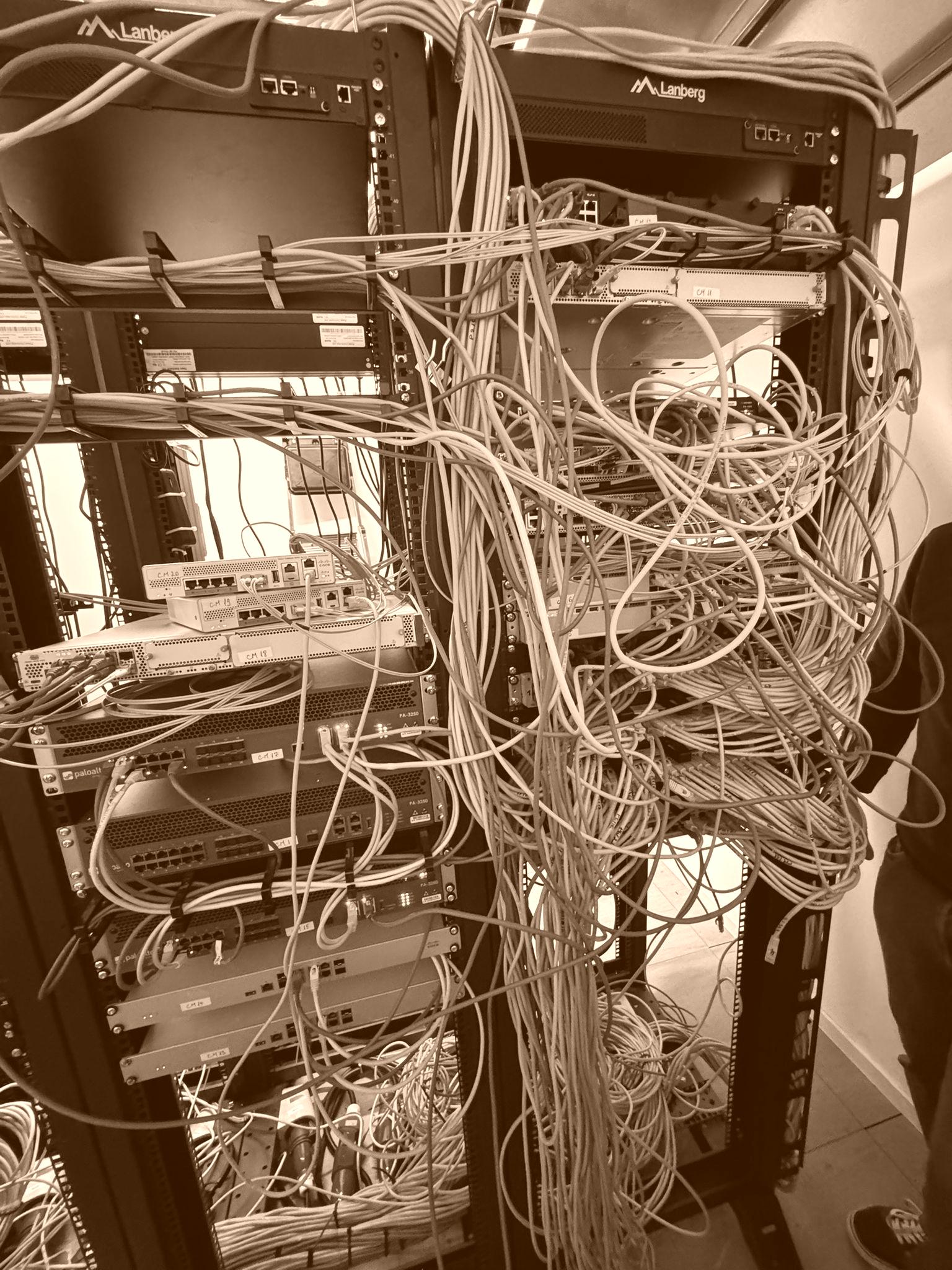
Why Organised Data Centre Cabling Is Not Just About Looking Good
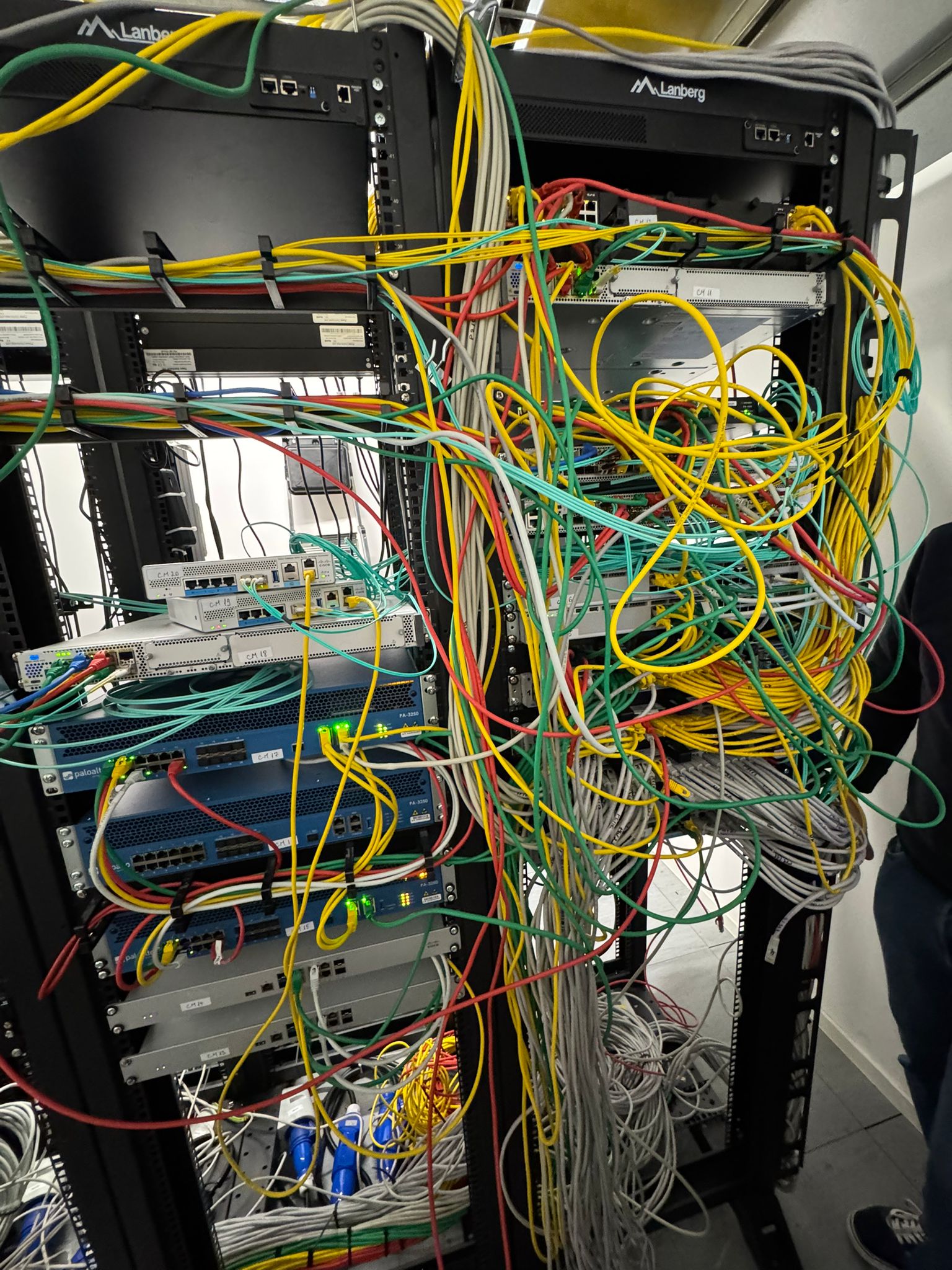
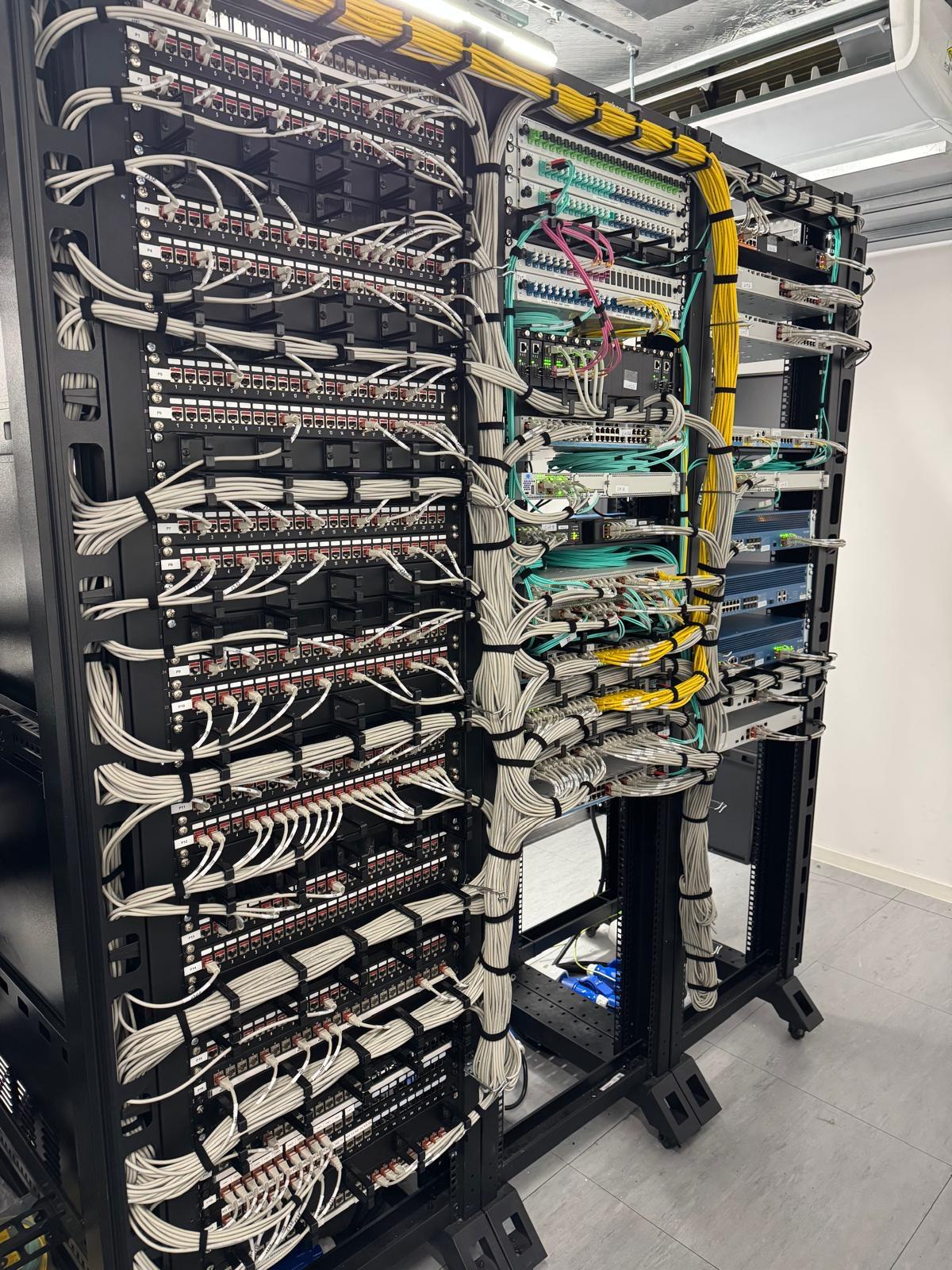
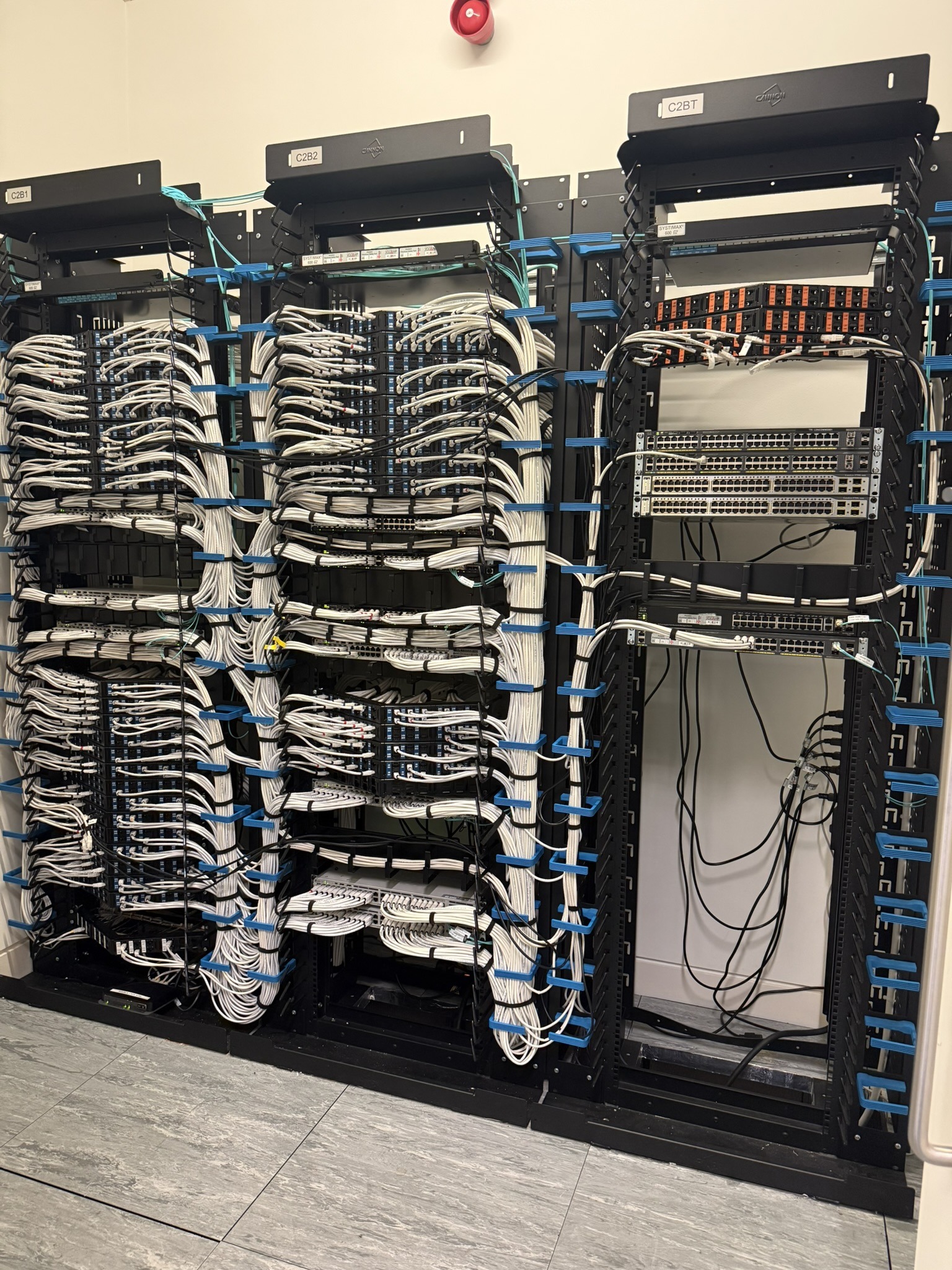
Organised data centre cabling is not just about making racks look neat. Over the years, I’ve shared a lot of before-and-after photos on LinkedIn: cable refreshes, server room tidy-ups, new rack builds, fresh installs and data centre work.
And most of the time, the reaction is the same.
People press “Like” because it looks good.
Clean racks. Straight patch leads. Labelled cables. A tidy server room. A “nice job.”
But after working in data centres across the UK and Europe since 2010, I’ve learned that only a small number of people truly understand what sits behind that “nice cabling.”
Because professional cabling is not just about appearance.
It is about uptime. Maintenance. Airflow. Safety. Troubleshooting. Energy efficiency. Future growth. And, most importantly, making sure that when something goes wrong, the environment is ready to be fixed quickly and properly.
I’ve had conversations with people where I explain the long-term benefits of a well-managed server room, and the response is often:
“So you do nice cabling, right?”
Yes, we do.
But “nice cabling” means a lot more than making cables look neat.
What Customers Really Want
When I first started working in data centres, I spent a lot of time trying to understand what customers really needed.
Not just what they asked for on the surface, but what they actually wanted in the long run.
After years of working with different environments, different businesses and different technical teams, the answer became clear.
Customers want an environment that is easy to maintain.
They want a server room or data centre that is organised, reliable and simple to work with. They want engineers to be able to identify equipment quickly, trace connections easily and carry out work without putting other services at risk.
And when the inevitable happens, because at some point something always does, they want the issue resolved as quickly as possible.
That is where professional cabling becomes important.
Organisation Is More Than Labelling
Having a server room with labelled assets, updated rack plans and a patching schedule is a great start.
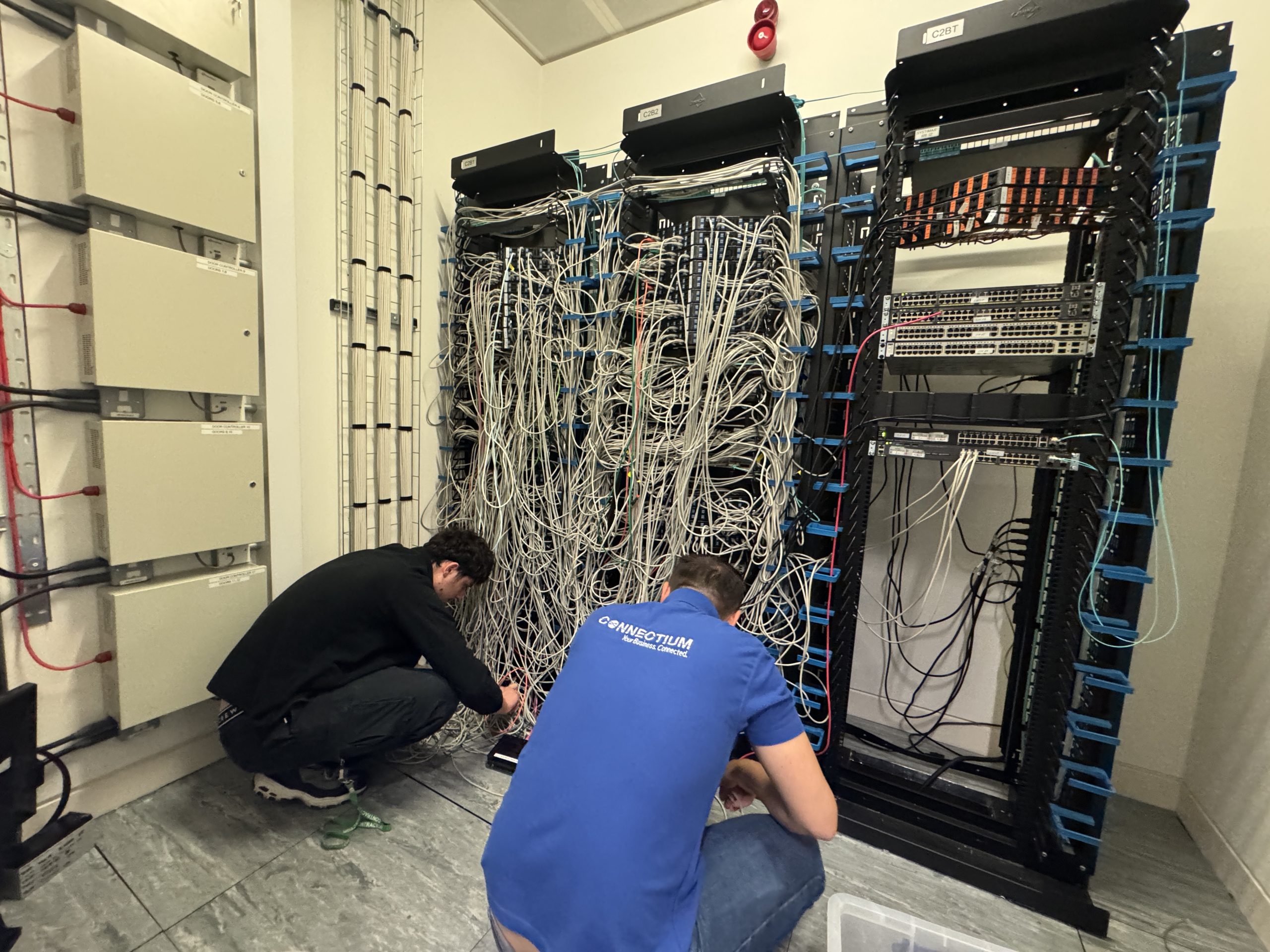
But it is not enough if engineers cannot physically access the equipment because of years of cable build-up.
Over time, server rooms can become difficult to manage. New equipment is added. Temporary patches become permanent. Old cables are left behind. Routes become unclear. What started as a clean environment slowly turns into a space where every change becomes harder than it needs to be.
This is where cable management makes a real difference.
A professionally cabled environment allows people to work properly. It gives engineers clear access to switches, servers, storage, power and network connections. It reduces the risk of pulling the wrong cable, disconnecting the wrong service or spending unnecessary time trying to trace a fault.
In a live environment, that matters.
Airflow, Cooling and Equipment Lifespan
One of the biggest issues with poor cabling is airflow.
Server rooms and data centres are designed with cooling in mind. Air needs to move through racks properly so equipment can stay at the right temperature.
When cables are bundled badly, blocking vents or sitting in the wrong areas, airflow is restricted. That can cause equipment to run hotter than it should.
When equipment gets hotter, fans work harder. When fans work harder, energy consumption increases. Over time, this can also affect the lifespan of the equipment.
Clean cabling helps airflow move the way it was intended. It supports better cooling, reduces unnecessary strain on hardware and helps maintain a more efficient environment.
So again, it is not just about looking tidy.
It is about protecting the infrastructure.
Faster Troubleshooting
In a data centre or server room, time matters.
If a server, switch, storage device or customer service goes down, the last thing anyone wants is to lose time trying to work out which cable goes where.
For live server room environments, organised data centre cabling can make maintenance, fault finding and future upgrades much easier.
Clear labelling, structured cable routes and organised patching allow engineers to trace connections quickly and confidently. It reduces guesswork. It reduces risk. It allows maintenance to be carried out with less disruption.
In some environments, even a small mistake can affect multiple services. A poorly routed or unlabelled cable can turn a simple fix into a much bigger problem.
Good cable management helps prevent that.
Performance and Reliability
Professional cabling also supports the performance of the network.
Using the correct cable type, correct cable length, proper bend radius and sensible separation from power cables all helps reduce issues such as interference, packet loss, latency and degraded speeds.
When cables are installed properly, tested properly and routed properly, the environment becomes more reliable. Professional cabling should also consider recognised data centre cabling standards and best practice, especially where availability, maintainability and future change are important.
That reliability is not always visible in a photograph, but it is felt every day by the people depending on the systems behind it.
Safety and Access
A well-cabled environment is also a safer environment.
Poor cable management can create trip hazards, overloaded trays, blocked access and difficult working conditions. It can make maintenance harder and increase risk during changes or emergency work.
Professional cabling keeps access routes clearer, rack areas more manageable and the environment easier to maintain safely.
In technical environments, safety and organisation go hand in hand.
Built for the Future
A server room should not only work for today.
It should be ready for tomorrow.
Businesses grow. New servers are installed. New switches are added. Storage expands. Network links change. Customer requirements evolve.
If the cabling has no structure, every future change adds more complexity.
A well-designed cabling system makes it easier to scale. It allows new equipment and services to be added without creating chaos. It gives the business room to grow without turning the server room into a problem waiting to happen.
For businesses that need practical support, Connectium provides data centre cabling services, data centre audits, server relocation and IT relocation services to help improve infrastructure reliability and reduce disruption.
So, What Does “Nice Cabling” Really Mean?
When people say “nice cabling,” they are usually talking about how it looks.
But for us, it means much more.
It means the environment is controlled.
It means equipment is accessible.
It means airflow is protected.
It means faults can be traced quickly.
It means changes can be made safely.
It means the customer is left with a server room or data centre that is easier to manage, easier to maintain and better prepared for the future.
Organised data centre cabling keeps the environment efficient, safe, reliable and easier to maintain.
So yes, we do “nice cabling.”
But what we are really doing is building infrastructure that works better, lasts longer and supports the people who rely on it every day.





 Request a quote